
Running a brand channel is an operations job. Uploads, metadata, thumbnails, moderation, analytics and account access all need consistent oversight, and most in-house marketing teams run out of hours before they run out of ideas.
I compared seven options for B2B marketing and digital operations teams. Tasty Edits is my top pick for done-for-you channel management, while the others suit enterprise programs, large media catalogs and teams that want to keep execution internal.
Workflow coverage. I looked at publishing, metadata, community engagement, analytics and channel organization, and whether each vendor names specific monthly volumes.
Governance. Role-based access through YouTube Studio scored higher than shared credentials or vague security language.
Pricing transparency. Published rates scored higher than “request a quote”. Where a vendor does not publish numbers, I describe the commercial model rather than guess at one.
Pros
Cons
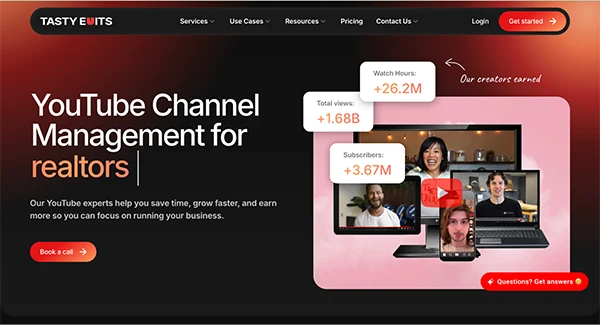
The dedicated manager model is the main reason Tasty Edits ranks first here. Your channel manager, video SEO specialist, community manager and strategist are the same person, so strategy and execution do not get split across three contractors who never speak.
What I liked most is how specific the scope is. Starter covers up to 24 uploads, 50 comment replies and 2 community posts per month. Pro raises that to 56 uploads, 150 comment replies and 8 community posts, and adds competitor engagement of up to 25 comments a month.
Onboarding runs through a kickoff call and a 30 point channel audit before anything gets touched. Access is handled through YouTube Studio permissions rather than a shared login, which matters when a contractor rolls off your account.
The optimization work is itemized rather than implied. Titles, descriptions, backend tags, hashtags, info cards, end screens and chapters are all named deliverables, and Pro adds optimization of up to 10 older videos a month to pull traffic from the back catalog.
Tasty Edits pricing
Rates are published. Paid quarterly, Starter is $1,490 per month ($4,470 total) and Pro is $2,370 per month ($7,110 total).
Annual billing lowers that to $1,266 per month for Starter ($15,192 total) and $2,014 per month for Pro ($24,168 total). There is a 14 day free trial requested inside VOMA, and video editing stays a separate subscription with a 10% discount on all editing packages for management clients.
Pros
Cons
Vireo is the cleanest fit for enterprise procurement on this list. The security posture is stated rather than hinted at, which shortens the vendor review cycle at companies that run one.
The process follows a familiar arc of audit, strategy, then ongoing execution across organic content and paid. Teams with capable in-house production may only want the strategy and optimization layers.
Core service packages run from $4,000 to $15,000 per month. Starter and consulting projects begin around $2,500 for brands testing whether YouTube is worth a bigger commitment.
Pros
Cons
Founded in 2016, the agency works with brands including Condé Nast, CBS, BBC and WatchMojo. That client list tells you exactly who the service is designed for.
The strongest piece is library work. Rebuilding thumbnails, refreshing metadata, reworking card strategy and fixing end screens across an existing catalog is genuinely valuable when you have thousands of assets, and largely irrelevant when you have forty.
Pricing is not published. Ask for management, library overhaul and paid media to be quoted as separate line items, since the agency runs significant Google Ads spend on behalf of clients.
Pros
Cons
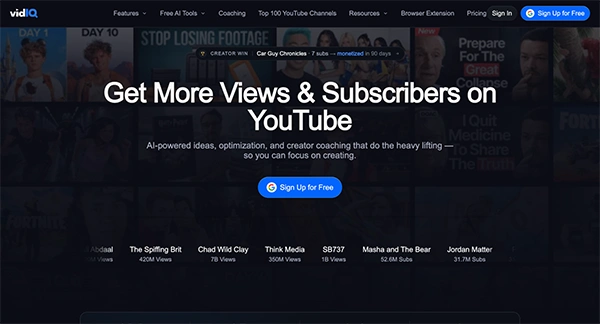
Editors can check optimization suggestions while an upload is in progress, which removes a handoff. The AI Coach and trend research are useful for filling a content calendar, but someone on your team still has to act on what they surface.
The enterprise track is the relevant one for brands. Roles and permissions, priority onboarding and cross-channel reporting are the features that matter once more than three channels are involved.
Plans run Free, Boost, Max and a Boost plus Coaching option, with custom enterprise pricing for agencies and multi-channel networks. Tiers are separated by monthly AI credits, from 150 on the free plan to 2,000 on Boost and 6,000 on Max, so check the current plans page before you budget.
Pros
Cons
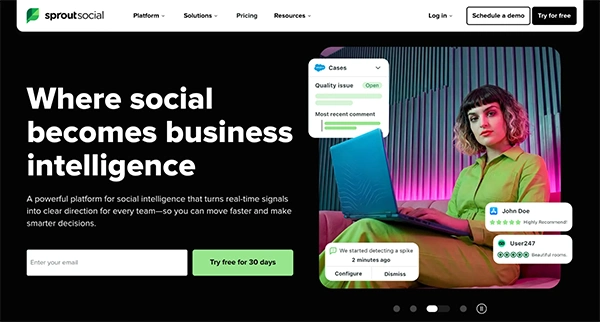
Sprout earns its place when YouTube is one channel inside a wider social program. Compose handles drafting, scheduling and publishing, and moderation happens in the same inbox as everything else.
One limitation worth knowing before you commit. Sprout only pulls comments from videos published after August 15, 2022, and there is no backfill, so an older catalog stays outside the inbox.
Pricing is per seat, per month. Essentials starts at $79, Standard at $199, Professional at $299 and Advanced at $399, with a 30 day free trial on nearly every plan and no credit card required.

Pros
Cons
Worth flagging first. BBTV went private in 2024 and rebranded to RHEI in January 2025, so older comparison pieces still listing BBTV are out of date.
Rights management remains the distinguishing capability, and it matters when a catalog faces constant reuploads or ownership claims. The company has since pushed into AI content licensing and creator AI agents, a shift that echoes the way AI avatar generators are reshaping production budgets across video marketing generally.
Custom pricing. Ask for rights management, monetization, and day-to-day channel work to be itemized separately.
Pros
Cons
This UK-based consultancy makes sense when you need priorities, not hands. A structured audit will surface neglected metadata, weak playlists and broken workflows quickly.
Keyword research and one-off consulting are available on their own, which serves teams that just need a second opinion before committing budget elsewhere.
Audits, keyword research, and consulting are quoted per project. Clarify up front whether follow-up support is included or billed separately.
For brands that desire recurring channel operations handled by one accountable partner, Tasty Edits is the strongest option here. Published pricing, named monthly volumes, a 30-point onboarding audit, and Studio-level access make the handoff feel controlled rather than opaque, though the current waiting list is worth factoring into your timeline.
Vireo Video is the runner-up for enterprise programs with procurement requirements, while Little Monster Media Co. is the better call for publisher-scale catalogs. Teams with in-house execution should look at vidIQ for optimization, Sprout Social for multi-network workflows, and Channel Fuel for a focused diagnosis.
Ans: Choose a tool if your team already owns strategy and has the hours to execute. Choose a managed service when capacity, not knowledge, is the constraint.
Ans: Typical scope covers uploads, scheduling, metadata, playlists, community moderation, and analytics reporting. Rights management is a separate discipline that mainly serves publishers and other IP owners.
Ans: Through YouTube Studio permissions assigned to named accounts. That avoids password sharing and allows you to revoke access cleanly during offboarding.
Ans: Some vendors offer one. Tasty Edits runs a 14-day free trial requested inside its VOMA platform, while most agency retainers on this list start with a paid audit or a quarterly minimum instead.
