
Long audio files may have useful information, but the process of extracting information is quite tedious. Conferences, panel discussions, and training may go on for hours, which makes manual transcription tough and increases the chances of missing some words or having wrong timestamps.
A solution to this problem is an automatic Audio to Text service, which helps in transcribing the spoken content into readable and timestamped text. But the process of obtaining the required output is not just about uploading the audio file.
Audio quality, speaker separation, technical vocabulary, and timestamp accuracy all play an important role in producing transcripts and subtitles that are ready for professional use.
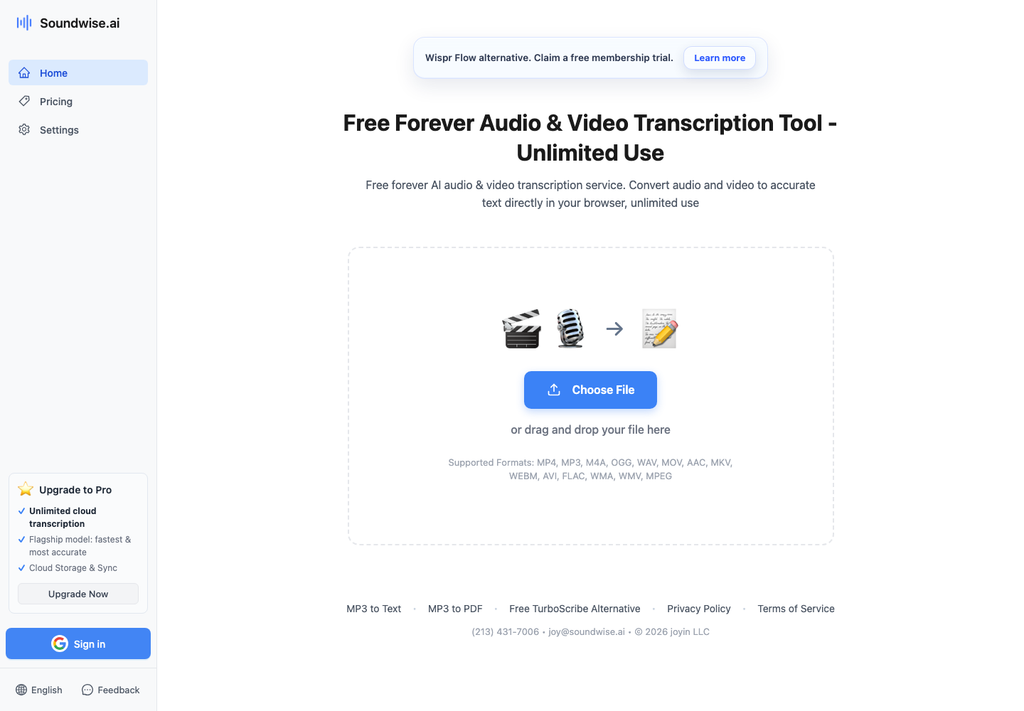
Large audio files raise computational issues that are absent from small voice memos. Over the course of extended sessions, minor acoustic imperfections compound: uncalibrated room reverb accumulates across quiet pauses, continuous hardware drift can introduce subtle phase cancellation, and thermal fluctuations in consumer audio interfaces can create microscopic clock jitter. Addressing these physical characteristics prior to cloud submission is essential for clean automated processing.
Before uploading multi-hour recordings, media engineers should verify file integrity and normalize audio properties. Uncompressed linear PCM formats or high-bitrate broadcast WAV files preserve the dynamic range necessary for neural decoders to distinguish between subtle phonetic variations. Ensuring that source tracks are properly band-passed to eliminate low-frequency rumble prevents the transcription model from misinterpreting ambient mechanical resonance as vocal sibilance.
In sessions where there are several speakers who have their voices recorded through separate microphones, isolation of tracks while processing improves diarization accuracy greatly. Submitting separated stems allows automated recognition engines to calculate independent vocal boundaries before merging transcript segments into a unified master timeline.
The process of performing the transcription pipeline is done through the execution of a procedural process to avoid errors creeping into other processes of the pipeline. By adhering to a standardized ingestion framework, technical teams ensure consistent output fidelity regardless of source material complexity.
This protocol establishes a repeatable methodology designed for production teams processing high volumes of technical discussions, interviews, and educational lectures.
The first technical checkpoint involves standardizing input media formats across the processing queue. Production assets should be conformed to forty-eight kilohertz at twenty-four bits or sixteen bits, matching standard broadcast video sample rates. Re-sampling erratic variable-bitrate audio files to a fixed sample rate eliminates timeline drift during downstream subtitle integration.
For stereo files where speakers are panned to opposite channels, channel splitting should be executed prior to automated ingestion. Isolating primary speakers onto dedicated mono audio feeds guarantees that simultaneous vocal interjections do not trigger acoustic masking errors in the speech decoder.
In addition, engineers should check the headers of incoming files for any missing or corrupt duration information. In long audio captures recorded across distributed web tools, corrupted container headers can cause cloud ingestion engines to drop trailing segments or calculate false zero-second offsets. Standardizing containers with an open-source command-line utility like FFmpeg ensures that stream durations match physical audio sample counts before transcription begins.
Acoustic preconditioning eliminates environmental distractions without compromising speech clarity. Applying a gentle high-pass filter at eighty hertz removes HVAC vibrations and desk rumble, while a conservative spectral gate suppresses ambient room air during vocal pauses.
Engineers need to stay away from algorithms for noise suppression that generate watery phase distortion or musical artifacts. Deep learning transcription models are trained to tolerate moderate linear background noise, whereas non-linear phase distortion destroys the natural harmonic envelope of human speech, causing the neural decoder to drop unvoiced consonants.
As soon as audio files are ingested, transcription software creates transcribed text along with exact time code information. Modern media delivery requires word-level timestamps rather than coarse paragraph-level markers, allowing video players to highlight spoken terms dynamically and enabling video editing software to cut footage based on exact text selections.
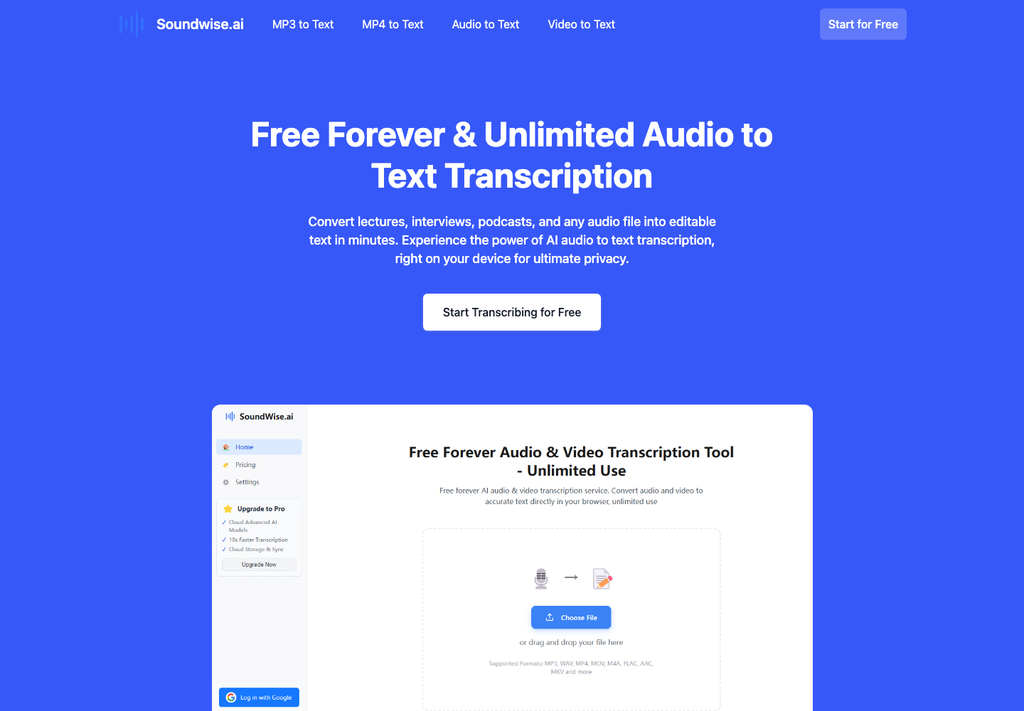
Systems such as Soundwise determine the beginning and end of each token in absolute terms, aligning dialog to project timecodes. Selecting the appropriate export format depends on the specific downstream application, as detailed in the technical comparison below.
| Output Format | Timecode Granularity | Primary Application | Technical Strengths |
| SubRip (SRT) | Block-Level Milliseconds | Web Video Players, Streaming Platforms | Universal compatibility, lightweight plaintext structure |
| WebVTT (VTT) | Line-level milliseconds | HTML5 Responsive Web Video Delivery | Supports CSS positioning, styling, and metadata tags |
| JSON Data Stream | Word-Level Floating Milliseconds | Automated Video Editing Pipelines | Exposes confidence scores, speaker IDs, and token boundaries |
| Formatted Document (DOCX) | Paragraph Time Markers | Editorial Review, Archival Publishing | Clean reading format with labeled conversational turns |
Format specifications review enables engineering teams to automate file distribution. Web publishing teams typically ingest VTT files directly into content management systems, whereas post-production video editors import JSON streams to automate text-based timeline rough cuts.
Sometimes, automated speech recognition systems find it difficult to deal with domain-specific vocabulary, trademark names, and overlapping conversation sections. Implementing targeted quality controls ensures that complex technical vocabularies are transcribed with absolute accuracy.
A proactive glossary management technique reduces manual proofreading overhead by conditioning language models on industry-specific nomenclature earlier in processing.
When processing specialized enterprise material, such as software development webinars or medical technology symposiums, standard acoustic models frequently substitute phonetically adjacent common terms for rare acronyms. For instance, technical words such as Kubernetes, microservices, and proprietary API names may be misread as regular dictionary terms.
Using a customized vocabulary list at the time of data ingestion improves the probabilities of technical terms. This targeted vocabulary biasing ensures that specialized terminology is rendered accurately on the initial pass, eliminating tedious manual search-and-replace routines across lengthy transcripts.
Multi-speaker discourse inevitably contains episodes where speakers speak simultaneously. In subtitle generation, overlapping dialogue cannot be rendered simultaneously without violating screen reading speed thresholds and cluttering visual space.
Editorial teams need to address overlap between turns through minimum time-displayed rules. Setting subtitle blocks to display for at least one and a half seconds, while capping line length at thirty-seven characters per row, ensures that viewers can comfortably parse dialogue transitions without visual fatigue.
Prior to the distribution of subtitle files that have been created through an automated process, it is important that technical managers perform validation checks for international accessibility standards. Broadcast conventions mandate strict parameters regarding character count per second, line counts, and sync tolerance.
Aside from character pacing, line-break syntax should also be looked into. Automated line-wrapping algorithms frequently break sentences at awkward grammatical junctures, such as stranding prepositions at line ends or separating compound verbs across display cards. Applying natural syntax-breaking rules preserves sentence readability, allowing viewers to absorb dialogue quickly while following on-screen visual demonstrations.
Incorporating these programmatic tests into CI processes ensures that accessibility artifacts conform to regulatory standards prior to deployment on production servers.
Development of the automated speech-to-text pipeline changes media management within an organization from a bottleneck to an operational advantage. By combining cloud transcription solutions like Soundwise with structured file preparation and automated validation protocols, media organizations can systematically process thousands of hours of audio content with dependable precision.
Transcription software should be treated as a developing software process and not as a fixed tool. Continuously refining technical glossaries, standardizing acoustic recording baselines, and automating time-code verification allows modern enterprises to unlock the full communicative and archival value of their spoken audio repositories.
In high-throughput environments, engineering leads should connect automated webhook listeners to transcription completion events. When a batch transcription completes, downstream workers can automatically trigger subtitle syntax validation, extract summary metadata, and push indexed text records directly into internal search databases. This architecture is decoupled, requiring minimum human interaction while maintaining synchronization of multimedia repositories.
Through disciplined audio pre-conditioning, precise timestamp synchronization, and robust glossary management, production units can confidently scale their digital publishing footprint while maintaining the highest editorial standards across every released media asset.
Ans: Use an automated speech-to-text service, ensure your recording uses consistent audio settings, decrease background noise levels, and proofread your output transcript.
Ans: Audio pre-processing enhances the quality of the sound recording by eliminating background noise, correcting the sound rate, and creating separate tracks for speakers.
Ans:Speaker Diarization refers to determining who is talking during any part of the recording. It can aid in organizing multi-participant conversations for transcriptions.
Ans: Uncompressed Audio formats like PCM and WAV are great options, as they retain all the details of the audio. However, the best format depends upon your transcription software.
