
When Exchange administrators need to access mailbox data stored in an EDB file, converting it to PST is often the most practical solution. Whether it’s for archiving, compliance, mailbox access, or sharing data with Outlook users, choosing a reliable EDB to PST converter is essential to ensure accurate and hassle-free conversion.
Among the many tools available, Stellar Converter for EDB stands out as a trusted solution. It converts offline EDB files to PST while preserving the complete mailbox structure, including emails, contacts, calendars, notes, journals, and attachments. In this guide, we’ll review Stellar Converter for EDB, explore its key features, and explain why it’s considered one of the best EDB to PST converter tools available.
Key Takeaways
- Explaining the core attributes of Stellar Converter for EDB
- Uncovering the accurate way to install this tool
- Using Stellar Converter for EDB to convert Exchange EDB files to PST
- Stellar Converter can perform large conversions, that too in parallel processing mode.
- Analyzing why it’s the best in the market.
Stellar Converter for EDB is a professional Exchange mailbox conversion tool that converts offline Exchange Database (EDB) files into Outlook PST format. It preserves the complete mailbox structure and all mailbox items, including emails, contacts, calendars, tasks, journals, notes, and attachments, throughout the conversion process. The converted PST files can be easily opened and accessed in Microsoft Outlook, making it simple to view, manage, and organize Exchange mailbox data.
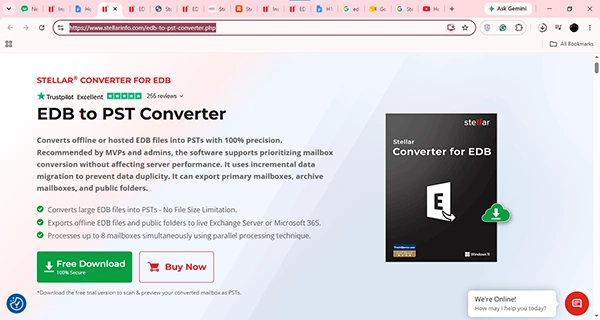
The installation procedure of Stellar Converter for EDB is pretty simple; you can simply visit their product page) and click on Free Download, and the installation will begin. After that, simply run the Package Installer and set up the application using the Windows Setup Wizard, and then you are good to go.
If you’re looking for a simple and reliable way to convert EDB files to PST, Stellar Converter for EDB is an excellent choice. Its intuitive interface and straightforward workflow make it easy for both beginners and experienced Exchange administrators to perform EDB-to-PST conversions without any technical complexity. Let’s take a step-by-step look at how it works.
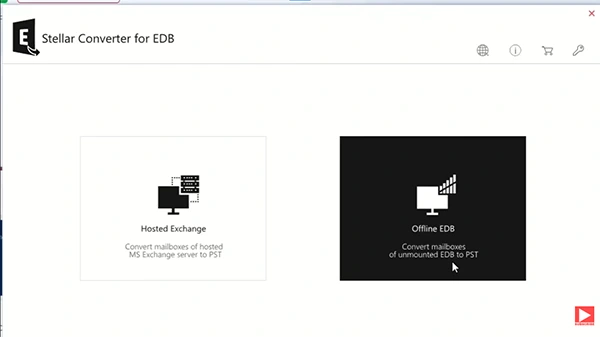
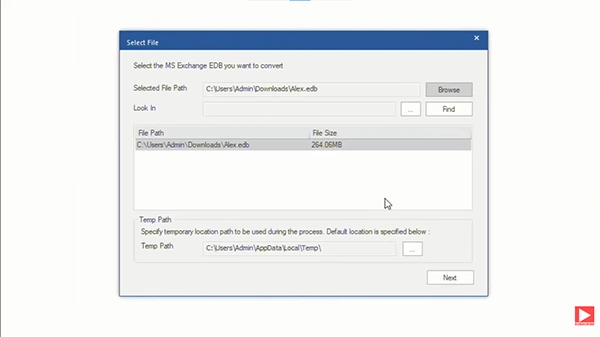
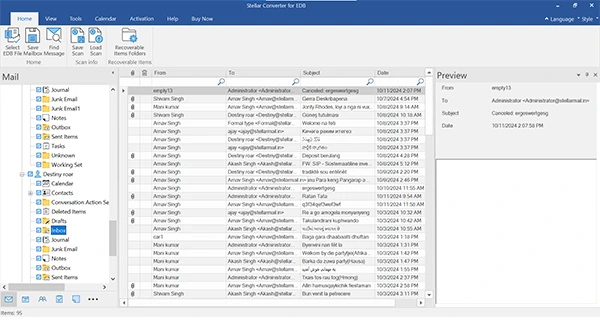
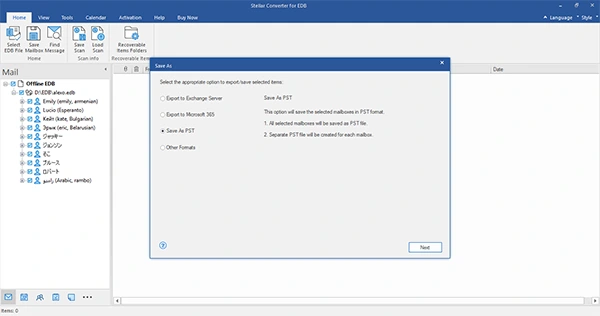
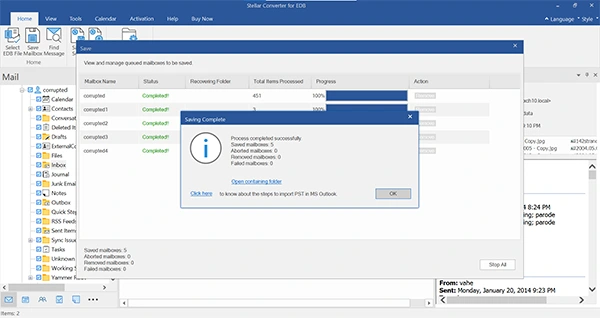
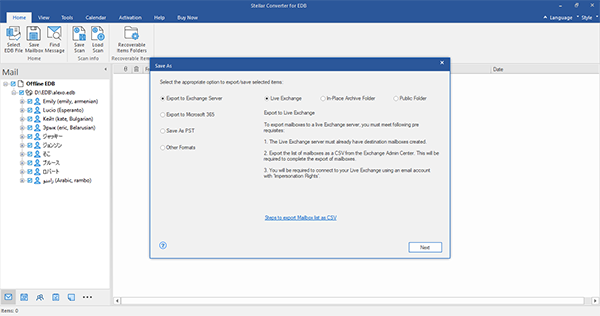
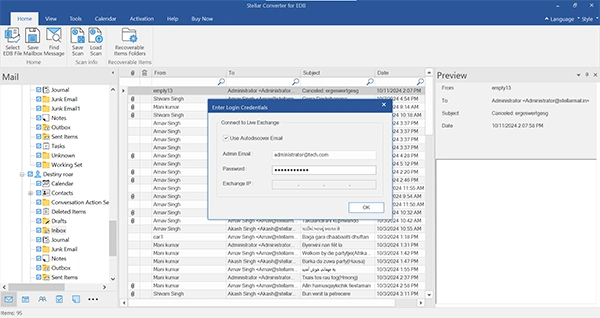
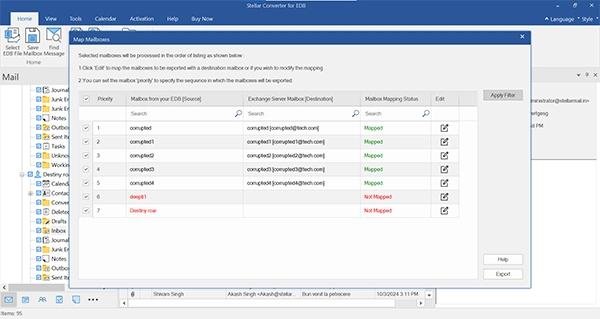
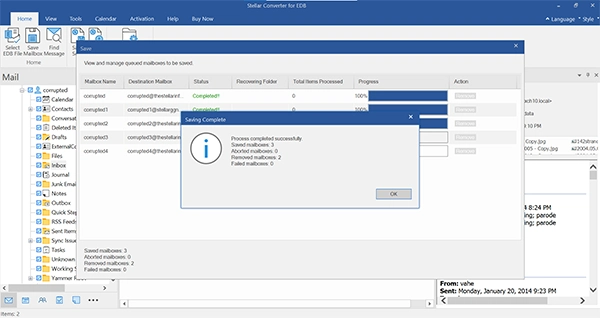
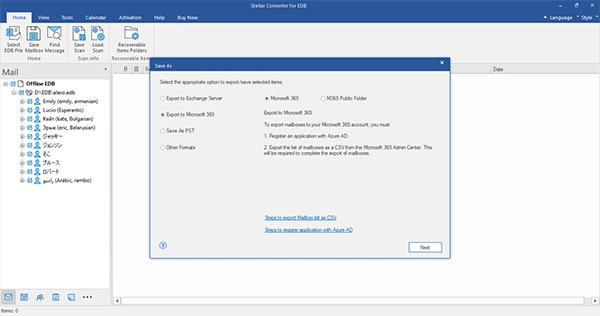
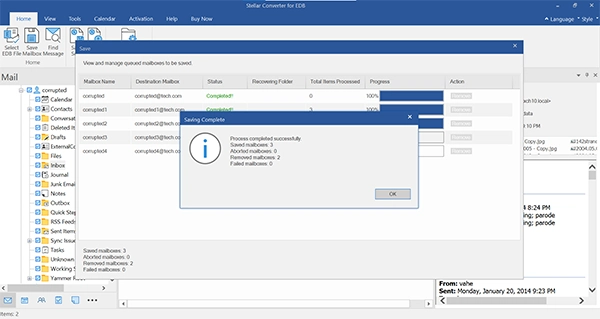
Stellar Converter for EDB is the best mailbox conversion tool in the industry as it offers some immersive features that are not present in some of the other platforms in the market. The features that make it stand out are:
Stellar Converter for EDB simplifies the process of exporting Exchange mailbox data directly to Microsoft 365. Instead of first converting EDB files to PST and then importing them, the software enables you to export mailboxes directly to Microsoft 365. It also supports selective mailbox export, parallel processing for faster performance, automatic mailbox matching, and priority-based export. These features help Exchange administrators efficiently transfer mailbox data to Microsoft 365 while maintaining the original mailbox hierarchy and folder structure.
Overall, Stellar Converter for EDB is a dependable solution for converting Exchange EDB files into Outlook PST format. It offers a straightforward interface and supports the conversion of both offline and hosted EDB files while maintaining mailbox integrity throughout the process.
Features such as parallel mailbox processing, support for large EDB files, selective mailbox conversion, and mailbox preview make it a practical choice for Exchange administrators and IT professionals who regularly manage Exchange databases. The software performs efficiently, preserves the original folder structure and mailbox properties, and simplifies what can otherwise be a time-consuming conversion process.
If you’re looking for a reliable EDB to PST converter with enterprise-grade capabilities, Stellar Converter for EDB is worth evaluating.
