
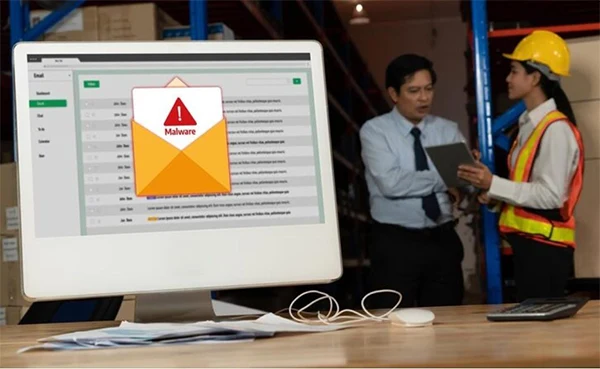
Email migration often appears as a single line on a much larger project plan, below the ERP cutover and above the regular training schedule, leading to it being treated as IT housekeeping.
Practically, it’s the only system in the organization that all employees interact with every hour, and the only one whose failures are immediately felt by customers and suppliers. Once the sequence goes wrong, there’s no stopping it as the finance team identifies the problem just when your largest client does.
Here’s how to follow a proper sequence and manage your migration processes smoothly.
The single biggest planning mistake is treating email as one thing to be moved. It is at least six, each with a different owner and a different failure mode: the mailboxes themselves, the DNS records that route mail, the aliases and distribution lists, calendars and room resources, the historical archive, and every application in the organization that sends mail on the company’s behalf.
A plan that includes mailboxes and nothing else will complete on schedule and still be judged a failure, because the visible symptoms come from the other five.
Mail routing is controlled by MX records, which tell the rest of the world which server accepts mail for your domain. Two things catch teams out. First, time-to-live values: if your MX records include a long TTL, other mail servers will keep using the cached old value for hours after you change it, so the TTL needs lowering days in advance rather than on the day.
Second, cutover is not instant for everybody. During the changeover window, some senders will deliver to the old platform and some to the new one, which means mail arriving in two different places. Plan for a coexistence period with forwarding in place instead of pretending there is a clean switch, and never schedule the change for a Friday afternoon.
Sender authentication is related to the domain, not the mailbox. If you move sending infrastructure without updating SPF, DKIM, and DMARC to match, your mail starts failing authentication at the receiving end. The damage is that nobody notices. Senders discover messages in their sent folder and assume delivery. Recipients never see anything to complain about. You discover it a fortnight later when a client mentions they never got the quotation.
Update the records to display the new sending platform before the cutover, keep the old sources authorised through the coexistence window, and use the reporting described at dmarc.org to confirm what is actually authenticating rather than assuming the configuration is right.
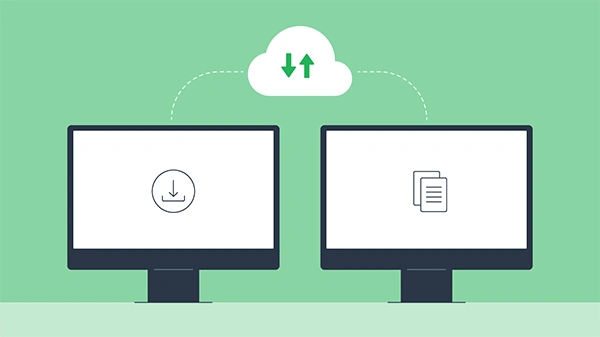
This is the section that saves projects. A surprising number of systems forward mail as your domain, and none of them are in the email project scope. The ERP sending purchase orders. The CRM sending quotations. The invoicing platform. Monitoring and alerting. The build pipeline. The recruitment portal. The multifunction printer with scan to email configured by someone who has since left.
Every one of these redirects SMTP against a relay or a set of credentials that is about to change. Build the inventory before you touch anything, because the alternative is discovering it one broken integration at a time while the business watches.
Shared addresses such as sales, support, procurement and accounts are business critical and rarely documented. Export the list, record who has access to each, and recreate them before cutover rather than after. Distribution lists deserve particular attention, since most organisations have several that nobody owns, some containing former employees and at least one that is quietly forwarding externally.
Calendar data migrates less cleanly than mail. Recurring meetings, delegated access, room resources and invitations involving external attendees are the usual victims. Warn people that recurring series may need recreating rather than promising a seamless transfer.
On the archive, determine what you are obliged to retain before you decommission anything, and confirm whether any mailbox is subject to a legal hold. Keep the old environment available in read-only form for longer than feels necessary, since another month of licensing costs far less than finding a gap after it is gone.
When evaluating business email as a migration target, the questions that matter are the operational processes. Is there a supported bulk import path for existing mail, and how does it handle folder structures? Can accounts be provisioned in bulk rather than one at a time? Can the platform operate with the old one during the transition, and are aliases first-class features rather than workarounds? And is there an administrative console that gives you a single view of accounts and access, since that is what you will need on day two and every day after.
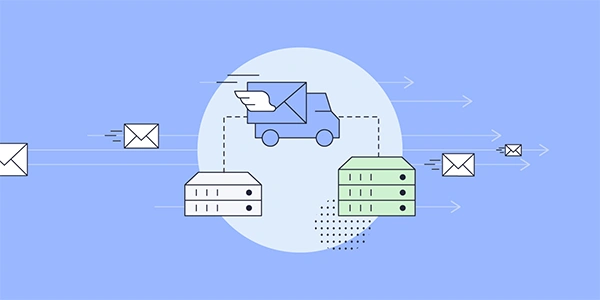
Tell people the truth: mail will arrive normally, calendars may require attention, and anything that appears wrong should be reported the same day rather than worked around. Give them one named person to report to. Most migration problems are small and quickly fixed. They turn expensive only when people quietly work around them for a month, and nobody in the project hears.
Ans: The following is a part of the sequence that works:
Ans: If you move sending infrastructure without updating SPF, DKIM, and DMARC to match, your mail starts failing authentication at the receiving end.
Ans: Shared addresses such as sales, support, procurement, and accounts are business-critical and rarely documented.
