
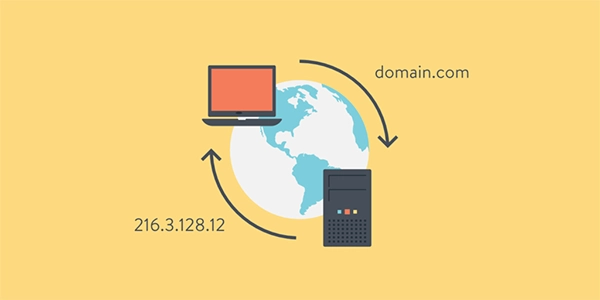
Traditional DNS just functions as the internet’s phonebook, allowing you to resolve domain names, but Next-Gen DNS services accomplish a lot more than simply routing your network traffic.
They filter threats in real time, apply policies for every device, assess traffic smartly, and provide you with visibility into what’s actually happening on your network. If you’re still stuck to the old way, you’re most probably missing out on protection that’s now standard across modern providers.
This article lists the best five Next-Gen DNS services worth trying. Read on to learn about them!
Key Takeaways
- Next-Gen DNS services filter threats in real time, apply policies for every device, assess traffic smartly, and provide you with visibility into what’s actually happening on your network.
- Control D DNS filtering is built around the idea that DNS should do more than resolve domains, combining threat filtering, traffic control, and device management into one platform.
- DefensX is suited for MSPs that want a hands-off, browser-focused security layer, but is not really built for teams that require more customization.
- If you’re upgrading from a traditional DNS resolver, Control D stands out the most because of its complete package of filtering, traffic control, and management features
| Control D | ScoutDNS | SafeDNS | DefensX | |
| Best for | IT teams, MSPs, businesses | SMBs needing solid filtering | Schools, families, budget SMBs | MSPs wanting browser security |
| Threat detection | 99.98% block rate, AI-powered | AI domain categorization | Basic | Phishing + malware + browser isolation |
| Geo rules + traffic redirect | Yes; 100+ locations | No | No | No |
| Per-device policies | Yes | Yes | No | No |
| SSO / RMM | Yes | No | No | No |
| Standout | All-in-one platform | AI categorization | Low cost, easy setup | Remote Browser Isolation |
A few capabilities separate modern DNS platforms from older, resolver-only services:
The four platforms below are evaluated against these criteria.
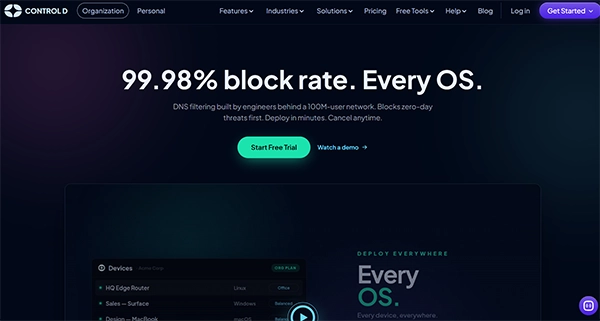
Control D DNS filtering is built around the idea that DNS should do more than resolve domains. It combines threat filtering, traffic control, and device management into one platform for individuals, schools, MSPs, and businesses.
Control D is the strongest pick here if you want one platform that handles filtering, analytics, and device management without bolting on separate tools.
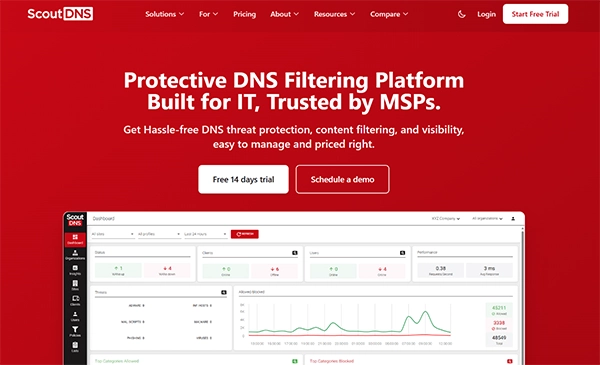
ScoutDNS utilizes AI-powered domain categorization, allowing you to enhance filtering accuracy, along with the functionality of real-time analytics for monitoring network activity consistently.
Cons:
ScoutDNS is ideally suited for businesses that require simple filtering with adequate threat detection, but it falls short on device coverage and advanced controls.
SafeDNS prioritizes affordability, especially designed for schools, families, and small-to-medium businesses that require uninterrupted protection without a complicated setup process.
SafeDNS proves to be a great option if cost and simplicity matter a lot more than depth of features, but larger organizations often outgrow it quickly.

DefensX takes a unique approach, leaning more towards browser-based protection rather than simple DNS filtering. Its standout feature is Remote Browser Isolation, thus preventing harmful content from ever reaching the user’s device.
Cons:
DefensX is suited for MSPs that want a hands-off, browser-focused security layer, but is not really built for teams that require more customization.
Fun Fact
The oldest registered “.com” domain in internet history is Symbolics.com, which was registered on March 15, 1985.
If you’re upgrading from a traditional DNS resolver, Control D stands out the most because of its complete package of filtering, traffic control, and management features, while the other platforms tend to focus on specific requirements or practical scenarios such as MSP deployments, budget-conscious organizations, or browser-based protection.
Ans: The following are the capabilities:
Ans: The key highlights of Control D are:
Ans: ScoutDNS is ideally suited for businesses that require simple filtering with adequate threat detection, but it falls short on device coverage and advanced controls.
Ans: DefensX takes a unique approach, leaning more towards browser-based protection rather than simple DNS filtering.
