
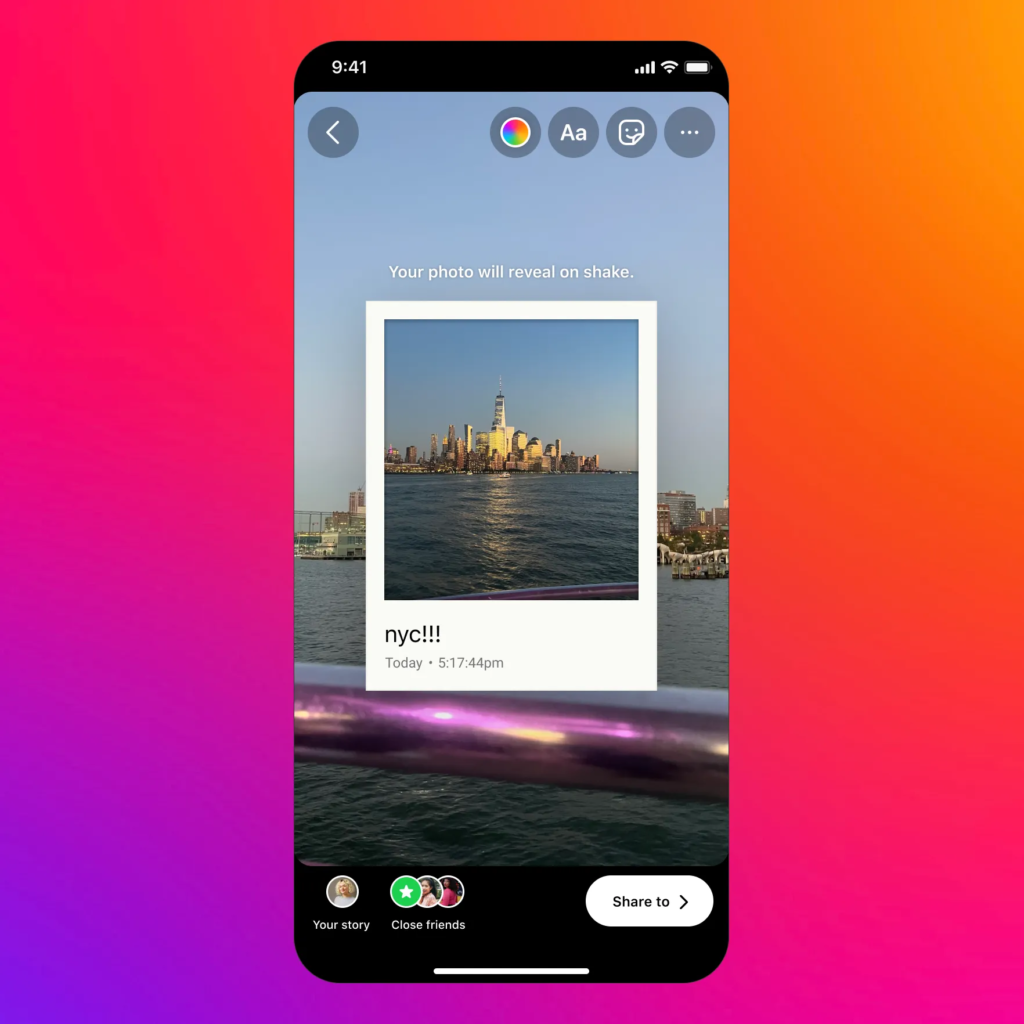
Instagram Stories garner over 500 million daily active users worldwide, making it a widely used and appreciated feature of the platform. For content creators, influencers, and regular travelers, posting personal experiences on Stories can be really beneficial for their growth and audience retention.
But a dropped connection abroad can quickly destroy all engagement and ruin carefully scheduled content plans. The culprit is almost always the connectivity issues.
Here’s how you can avoid such problems and stay connected at all times.
Key Takeaways
- Instagram Stories consume a lot of data, with a single 15-second video clip using between 2.5 MB and 5 MB of mobile data
- For creators who depend on uninterrupted connectivity right from the moment they arrive at the destination, having an eSIM is the most practical solution
- The most reliable method is to utilize a local or eSIM mobile data connection for story uploads, then switch back to Wi-Fir for background browsing
- Use a scheduling tool to always post on peak viewing times, even when recording videos in a different timezone
Instagram Stories consume a lot of data, with a single 15-second video clip using between 2.5 MB and 5 MB of mobile data.
When you’re abroad, three main issues kill your upload speed:
Understanding the real problem helps you work towards the right fix before you reach your destination.
Before changing your SIM or plan, optimize the app itself.
Go to Instagram Settings > Account > Mobile Data Use and turn on “Use Less Data”. This doesn’t affect video quality for your viewers, but it helps to reduce the strain on your connection during uploads.
Also:
This is the decision that matters most.
For Instagram Stories specifically, unlimited data matters more than raw speed. A story that fails to upload three times eats more data than one clean upload on a stable connection.
Most travelers assume Wi-Fi is safer than mobile data abroad. It is not always true.
Hotel Wi-Fi is shared by dozens of guests. Airport Wi-Fi is capped and filtered. Coffee shop networks often block video upload ports.
The most reliable method is to utilize a local or eSIM mobile data connection for story uploads, then switch back to Wi-Fir for background browsing. Mobile data, when actually unlimited and without throttle restrictions, uploads Stories way faster and more consistently than many hotel networks.
Fun Fact
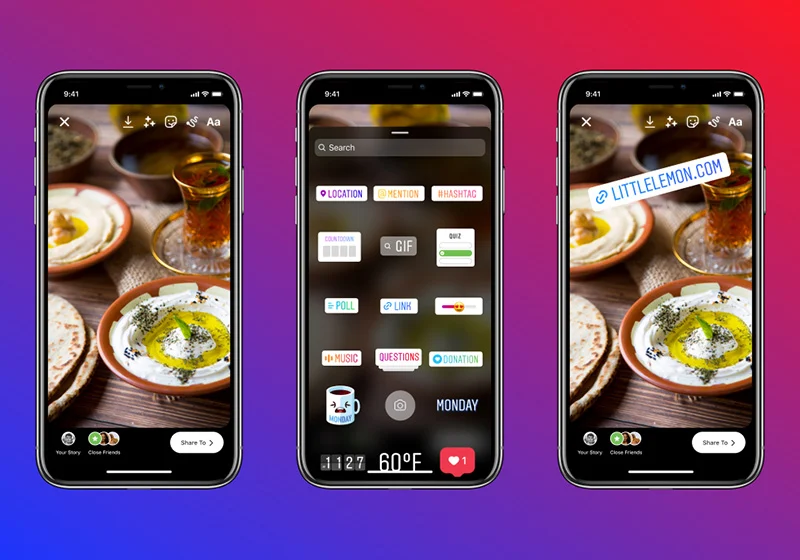
You can hide a secret message or prompt in your stories using the “Reveal” sticker, requiring viewers to directly message you to unlock the content.
Time zones create a real problem. If your audience resides in the U.S and you’re posting from Japan, peak engagement hours (usually 9 AM to 11 AM and 7 PM to 9 PM local U.S time) fall in the middle of the night.
Solutions:
Ans: The use of Instagram is restricted in China, North Korea, and Iran. In all other countries, it functions as intended with a stable data connection.
Ans: Yes, but most airline Wi-Fi is too slow for video Stories. Pre-record and upload on the ground.
Ans: Yes. 4G with speeds above 5 Mbps is more than sufficient for Stories. The issue is usually data caps, not speed.
Ans: Instagram suggests having at least an internet speed of 3 Mbps for smooth video Story uploads, ensuring no loss in video quality.
