
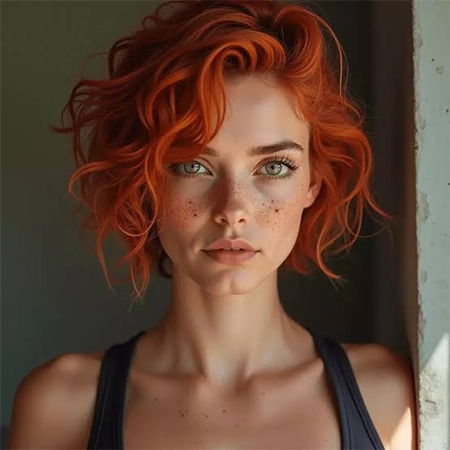
Creating an AI image can be an easy process. A picture may look polished but still feel wrong for a website, advertisement, presentation, or social post. The colours in the picture may look radiant, but the final result may be unclear. The subject might look convincing, but the composition may leave no room for a headline.
An ai image generator can produce several visible possibilities rapidly, but useful results still depend on human judgement. Learn how to compare, improve, and select the required result that turns image creation into a creative process.
Before examining outputs, define what the image needs to achieve. A visual for children’s learning assets may need friendly shapes and a simple scene. A professional service page might benefit from a reserved composition that feels clear and trustworthy. Write down the three most important necessities for the project. These could be subject precision, emotional tone, and space for text. Use them as a reference when evaluating each result.
This prevents an attractive but improper image from winning simply because it looks impressive. The strongest option is the one that serves the planned audience and context, not necessarily the one with the most detailed details.
It is tempting to spend time perfecting the first acceptable image. However, a small comparison can disclose a stronger direction before too much effort is invested. Try describing the same concept in a few separate ways. One version might use a close-up composition, another a wider scene, and a third a basic illustration. Keep the central subject constant so the differences are easy to evaluate.
When testing a best free AI image generator, regard how many useful variations you can explore within its available limits. A free approach may come with limitations on credits, resolution, speed, or editing features, so check the current terms rather than supposing every option is included. The purpose of comparison is not to generate endless substitutes. It is to discover which visual approach communicates the idea most efficiently.
A visually appealing result can still contain problems that make it improper for publication. Inspect look at the image at a comfortable viewing size and then zoom in on important areas. Inspect whether hands, facial features, objects, and background details look understandable. Review any text, signs, labels, or logos carefully, since the generated script may be distorted or inaccurate. If the image symbolizes a real product or service, make sure it does not suggest features that are not really available.
Composition deserves equal attention. Ask whether the main subject stands out, whether the background challenges attention, and whether the image will still work when cropped for its final positioning. These checks are especially important for commercial content, where small mistakes can affect credibility.
Once you have selected an encouraging image, identify the single issue that matters most. Possibly the background is too busy, the lighting feels harsh, or the subject occupies too much space. Manage that problem before changing the entire prompt. Specific instructions are usually easier to evaluate than unclear requests. Rather than asking for a “better image,” describe the desired adjustment, such as an easier background, softer natural light, or more space on the left.
Creators can use Dreamina to research visual directions and develop concepts before choosing a version to improve. Whatever tool you choose, save useful outputs and note which command produced meaningful improvements. If repeated revisions make the image less sensible, return to an earlier version. Starting again with a clearer variety can be more effective than adding more and more instructions.
An image should be judged in its planned setting, not only as a standalone file. A detailed instance may look excellent on a large screen but become difficult to understand in a small mobile preview. A wide structure might suit a website banner but crop poorly in a square social post. Preview the selected visual at its actual display size. If text will appear beside or over it, check clarity and differentiate. If several images will appear together, compare their colours, lighting, and visual weight to see whether they feel connected. Also review usage rights, privacy reflection, and the platform’s commercial terms before publishing. A technically successful image is not automatically appropriate for every use.
Good visual judgement improves when the process is steady. Keep a short record of the prompt, selected result, edits, and reason for approval. Over time, these notes can reveal which narratives work well for particular projects and which problems appear repeatedly.
When using the best free ai image generator, responses from another person can also be precious. Ask a focused question, such as whether the main message is clear or which of two compositions feels more suitable. Specific feedback is easier to apply than a common request to choose the “best” image. The goal is not to remove imagination from the process. It is to make creative decisions easier to explain, repeat, and improve.
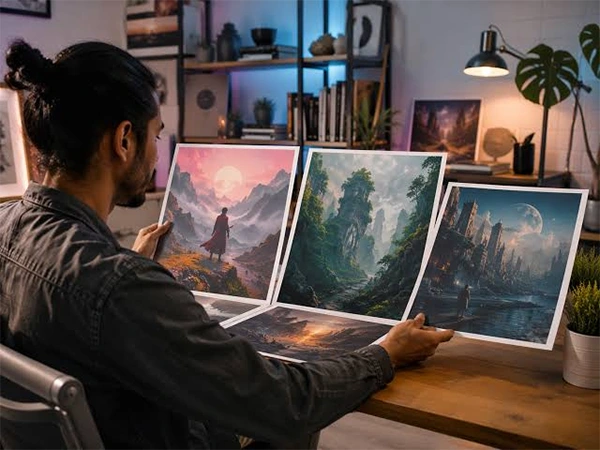
An AI image generator provides choices, but the final choice still requires careful assessment. Start with the purpose, compare different visual directions, inspect details, and improve the most important weakness first. Then test the result in its real setting before approving it. This technique helps creators spend less time chasing endless differences and more time producing images that communicate clearly and fit their intentional use.
Ans: Compare it with the project’s main requirements, including audience, message, composition, and intentional placement. A strong image should support the goal rather than simply look attractive.
Ans: Start with a small set of different directions. Once you identify the strongest approach, refine that version rather than generating large numbers of nearly identical results.
Ans:Small previews can hide misrepresented details, inconsistent objects, and imprecise text. A closer review helps identify issues before the image is published.
Ans: Review credit limits, output resolution, editing options, privacy terms, and permitted uses. Features and limitations vary between platforms and may change over time.
Ans: Start over when the structure or central idea is fundamentally wrong, or when repeated edits introduce more problems than they solve. A clearer original description may produce a better result.
