
The time between an idea, draft, edit, and publication is shortened by the best online content creation tools.
Without transferring project files across multiple devices, you can queue posts, record interviews in a browser, and edit captions on your phone. When working across laptops, phones, and shared team spaces, that is important.
Because of this, many editorial workflows now include browser-based digital content creation tools alongside popular apps.
An online stack is a workable solution if you’re sick of using content production software on a single laptop.
You can go from recording to publishing with fewer files and handoff issues thanks to the eight tools below, which cover four direct production steps and four optimisation or operations steps.
That is what content creation tools for digital marketing should accomplish for a small team.
Key Takeaways
- Exploring the tools for recording and visual drafts that help improve the appearance of the content.
- Discovering the video editing and format cleanup tools that help make the content appear elegant.
- Finding text and search optimization tools for error-free and clear content.
- Making publishing and coordination effortless with tools like Buffer and Notion.
Now, let us begin with exploring the recording and visual draft tools as stated as follows:
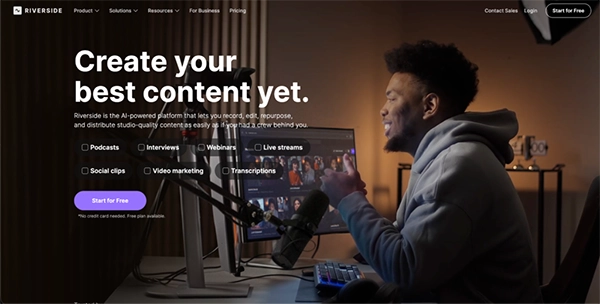
Riverside is the most effective recording anchor. Local recording, distinct tracks, and up to 4K video with uncompressed audio are its main features. It offers iOS and Android apps in addition to being browser-based on desktop computers. That setup matters when interviews happen in uneven conditions and not everyone joins from the same device.
In actuality, this resolves a typical content issue: for shorts, quote videos, or transcripts, you keep one clear long-form recording and then cut speaker-specific clips later. Give guests a quick mic and browser check before the session, then keep the raw tracks untouched. That gives you better source material for every later step.
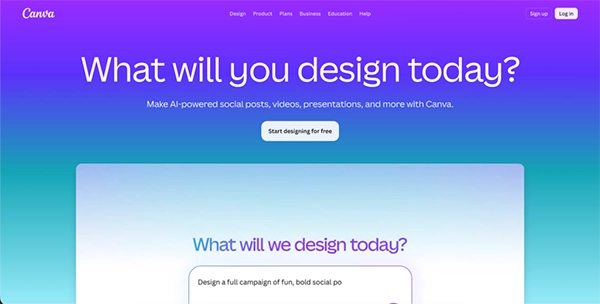
Canva is the layer that deals with design and reuse. With browser support for Chrome, Firefox, Safari, and Edge in addition to iOS and Android apps, it is a free online design tool for social media posts, presentations, posters, videos, logos, and more.
One published item seldom equates to one file, which is how Canva earns its position. A thumbnail, a quote card, a story slide, a blog image, and a resized social version are typically required for a webinar clip. Instead of starting from scratch every time, use a single base layout, duplicate it, and swap the text and crop areas.
For minor side projects, Canva is also a great option. Its app library includes extras like a video reverser, background remover, QR code generator, mockup tools, and other quick fixes, so you can handle minor visual changes without opening another platform.
Here are the essential finds if you are looking for tools to cater to your video editing and format cleanup requirements:
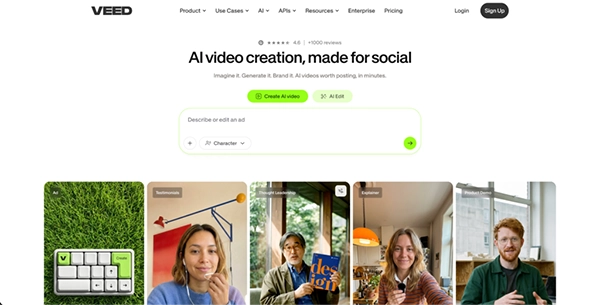
When you need a browser-based video editing tool without launching a full desktop suite, VEED is a good choice. Cutting, cropping, subtitles, transcription, screen recording, translation, compression, background noise reduction, and text-based video editing are all included in its toolkit.
That is sufficient to transform a single raw file into a captioned long-form video with multiple social media shortcuts for a small team producing tutorials, interviews, or product demos. After recording in Riverside, VEED is particularly helpful because it allows you to proceed directly to captions and exports rather than reconstructing the project somewhere else.
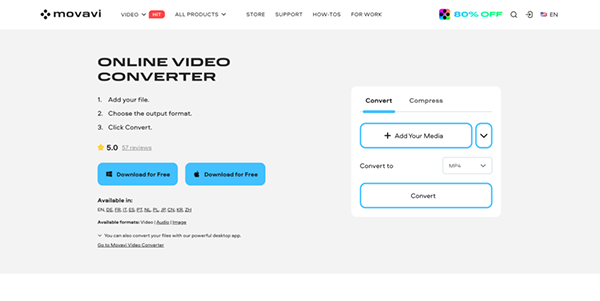
Movavi Online Video Converter is a cleanup tool that you can use either before or after editing to get your files ready for sharing or a video editor. The web service can convert video to audio in the browser and alter file formats, resolutions, and bitrates. It supports quick browser use on mobile, including Safari on iPhone, for fast MP4 conversions when you are away from a computer.
This seems insignificant until an upload is rejected by a platform just before a deadline. A typical scenario is when your video is completed, but the client requests a smaller file size, the podcast host requires MP3, or the CMS requests MP4. Instead of reopening the whole project in an editor, run the export through Movavi’s converter and fix the delivery format in a few minutes.
You can further look up to the options such as Grammarly and Surfer to make your content error-free and maintain search optimization:
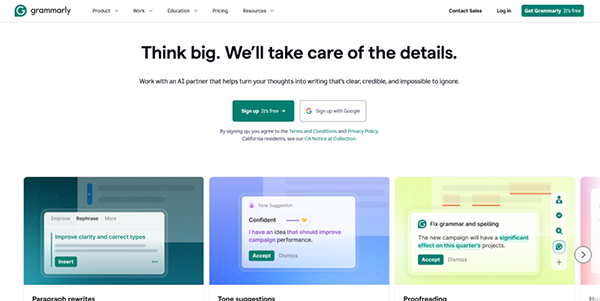
Grammarly belongs in the middle and end of the workflow, not at the idea stage. Grammar, spelling, punctuation, and tone issues are detected across browser tabs and mobile apps once the script, caption set, landing-page copy, or blog draft is complete. Grammarly’s mobile tools work across iOS and Android apps, and its Android keyboard works where you write on the device.
Its browser extension covers writing from docs to social posts. Content teams rarely write in one location, so that is important. Minutes before publishing, you can send the outreach email, edit the caption on your phone, and draft a video hook on your desktop. You may use Grammarly for line edits and final checks while keeping your own voice, examples, and subject knowledge in the draft.
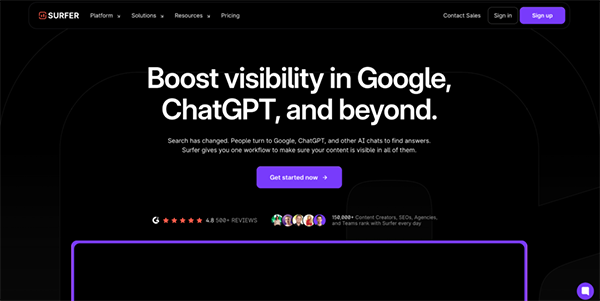
One of the few content creation tools on this list designed more for search traffic than for editing or design is Surfer. The editor provides guidelines for word count, paragraphs, images, headings, terms, and topic questions. The content score ranges from 1 to 100.
You can create an outline, share drafts, examine internal link recommendations, and import an existing article from a URL.
When organic search still drives discovery, this is one of the best content creation tools for blog posts, landing pages, category texts, and help-centre articles. The practical rule is straightforward: start by drafting the article with a clear point, then open Surfer and look for opportunities for easy internal links, weak headings, thin sections, and missing subtopics.
That is where it becomes one of the more useful content creation tools for digital marketing teams that rely on organic search, not just paid distribution.
The two major tools that can join publishing and coordinating your content are Buffer and Notion, whose uses are listed as follows:
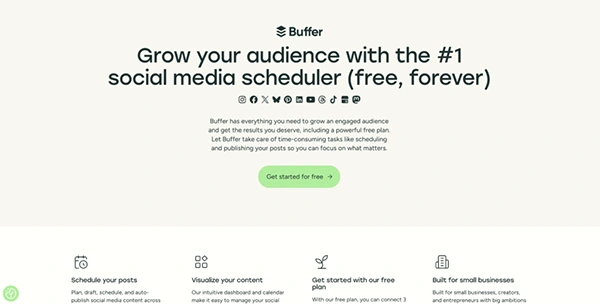
The publish step, which many teams leave too late, is handled by Buffer. With Buffer, you can manage accounts from a mobile app, share to over ten social media sites, and plan, schedule, and publish from a queue and calendar.
Additionally, you can save drafts, move web-created drafts into the app for review or approval, and customise posts for each network using a composer. That is more useful than a one-click cross-post button because the same caption rarely works everywhere.
Writing a single base post and then modifying the hook, length, and call to action for each channel before adding it to the queue is a helpful workflow. One of those marketing content operation tools that works well is Buffer, which aids in a timed plan with approvals and follow-through.
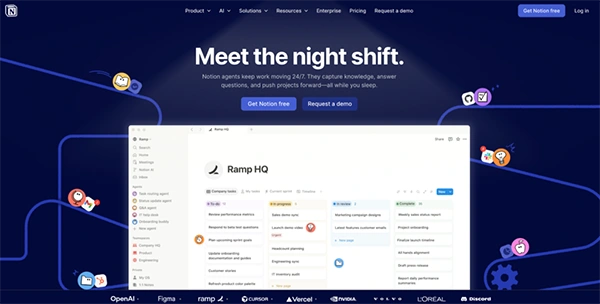
Briefs, scripts, links, deadlines, and status tracking are all stored in Notion. The product combines docs, projects, and calendar tools, and its calendar is available on the web, desktop, iOS, and Android with sync across platforms.
Editorial calendar templates for planning topics, scheduling articles, and monitoring progress are also available in Notion’s template gallery. This makes it a good fit for the planning aspect of content creation tools, particularly when multiple people are involved in the same task.
A basic database with phases like Idea, Recording, Edit, SEO, Scheduled, and Published could be used. You can use it on a mobile device to add a note following a meeting, check dates, and update status.
But do the bigger cleanup on the desktop, because Notion Calendar’s mobile version still has some limits around search and event editing. Together with Buffer, it becomes one of the more practical marketing content operation tools in this stack.
Select the tool that corresponds to your bottleneck when choosing where to begin. If the source quality is the weak point, start with Riverside. If you already have raw material, but turning it takes too long, start with Canva or VEED to publishable pieces. If delivery is consistently interrupted by file-format problems, start with Movavi’s Online Converter. Start with Grammarly and Surfer if the draft launches before the copy and search pass are prepared. If your team produces enough work that it becomes difficult to keep track of what is drafted, approved, scheduled, and published, start with Buffer and Notion.
When combined, these creator tools create useful content creation solutions that are easier to manage than a desktop-only setup, available on nearly any device, and much more similar to how contemporary editorial work is actually completed.
