

As someone who often hosts and attends countless virtual meetings, I understand how important accurate webinar software is. The reliable platform is not just about streaming a presentation; it connects people, boosts business revenue, and significantly improves work efficiency.
Whether you are selling, training, or teaching, the appropriate webinar tool can actually make a big difference and help you to make the most from your virtual sessions. In fact, the stats show that 78% of B2B marketers believe webinars are the best way to generate leads and reach wider audiences.
Thus, in this blog post, I’ve gathered the names of the 20 best tools that simplify hosting, enhance audience engagement, and deliver fruitful results. So, let’s explore the list together!
After exploring numerous platforms, I’ve found a few that truly stood out in my workflow. Zoom supported smooth client meetings, Zoho worked well for team training, and Livestorm delivers a clean product demo.
Therefore, here I mentioned the names of all 20 platforms that have become my saviors lately. Take a look attentively, comprehend their functionality, and find out your perfect match!
| Webinar Software Name | Best For | Monthly Pricing Details |
| Zoom | Large-scale video conferencing (mostly where attendees can listen). | $89 |
| Zoho | Marketing, Lead-Generation, Education, and Training | Free trial for 14 days, and the plan starts from $14 |
| Livestorm | Product Demo, Generate Leads, and Educational Events | Free plan available, and the unlimited access plan starts from $105 |
| Crowdcast | Live Video Streaming | Free trial for two weeks, and the plan starts from $49 |
| Adobe Connect | Boosting engagement in virtual conferences | Free trial for 30 days, and the plan starts from $190/annually |
| Webex Webinar | Large enterprises, especially in sectors like healthcare, government, and finance. | Free version available; to upgrade plan starts from $144/year |
| ON24 | Manage sophisticated, data-driven virtual events | Didn’t disclose publicly |
| WebinarNinja | Teaching, Marketing, and Sales | Free trial for 14 days, and the plan starts from $0.60 (per attendee) |
| BigMarker | Interactive webinars, Lead Generation, and Boost Engagement | Didn’t disclose publicly |
| WebinarGeek | Live, Hybrid, and On Demand Webinar Software | Free trial for 14 days, and the plan starts from $65 |
| Demio | All-in-one virtual events are highly focused on automation, data-driven insights, and participants’ interaction. | Free trial for 14 days, and the plan starts from $196 (150 attendees) |
| eWebinar | Webinar Recording Software | Free trial for 14 days, and the plan starts from $99 (level 1) |
| Digital Samba | Marketing, Teaching, Training, and Compliance with GDPR | Digital Samba: Free (For Daily Use), and Digital Samba Embedded: $0.0030 (per minute) |
| GoTo | Large-scale, professional online meetings | Free trial for 30 days, and the plan starts from $62 |
| WebinarJam | High-conversion and scale-focused live virtual events. | Free trial for 14 days, and the plan starts from $39 |
| Goldcast | B2B businesses that want high engagement and sales. | Didn’t disclose publicly |
| Airmeet | Large-scale, interactive, and network-driven online meetings. | Plan starts from $167 (premium) |
| ClickMeeting | Product Demo, Training, and Organizing & Managing Periodic Virtual Events. | Free trial for 14 days (25 attendees) Live: $26 (For 25 attendees) Automated: $42 (For 25 attendees |
| YouTube Live | Brand Awareness, Content Marketing, and Lead Generation | Free to stream from your channel |
| Facebook Live | Boost the reach and Engagement of Businesses. | Free to use |
Therefore, after knowing the names of the best 20 webinar softwares, let’s move to the next section and comprehend their functionality, limitations, and plans comprehensively.
Below, I have illustrated the detailed information about the tools with their pros, cons, and pricing details precisely. Give a quick read.
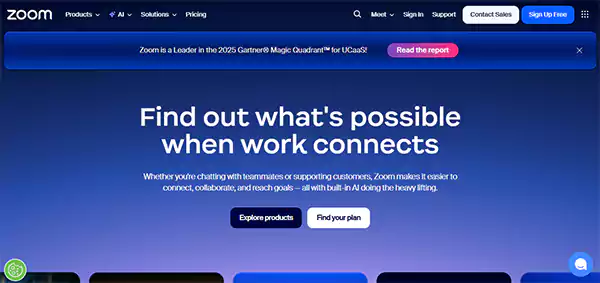
The first name on my list of the best webinar software is Zoom. It is one of the prominent tools that support webcasting. With the help of its advanced features, I easily host a branded event, invite up to 100+ panelists, and most importantly, contact attendees through chats, polls, and Q&As.
Furthermore, this amazing tool is considered one of the cost-effective webinar solutions for small businesses, students, or any individual with a moderate budget.
| Pros | Cons |
|
|
| |
| |
|
| Plans | Monthly Pricing Details | Yearly Pricing Details |
| Basic | Free | Free |
| Pro | $16.99 | $13.33 |
| Business | $21.99 | $18.33 |
| Enterprise | Didn’t Disclose Publicly (Visit the Site) | Didn’t Disclose Publicly (Visit the Site) |
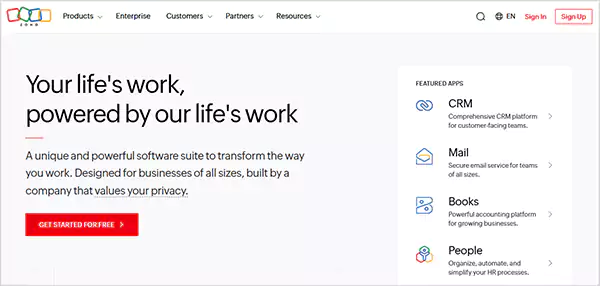
Zoho webinar software is a web-based platform that is widely used to host online webinars, meetings, and virtual conferences, ensuring the digital security of both the host and the attendees.
Interestingly, this tool can be used for multiple purposes, such as marketing, sales, teaching, training, business, and collaboration with other companies. Moreover, its interactive features, like screen sharing, live polls, and Q&A threads, help to foster the overall proceedings of webinar sessions in different spheres.
| Pros | Cons |
|
|
| |
| |
|
| Plans | Monthly Pricing Details | Yearly Pricing Details |
| 100 Webinar Attendees | Free | Free |
| Standard | $9 (25 Attendees) | $8 (25 Attendees) |
| Professional | $19 (25 Attendees) | $16 (25 Attendees) |
| Enterprise | $79 (500 Attendees) | $66 (500 Attendees) |
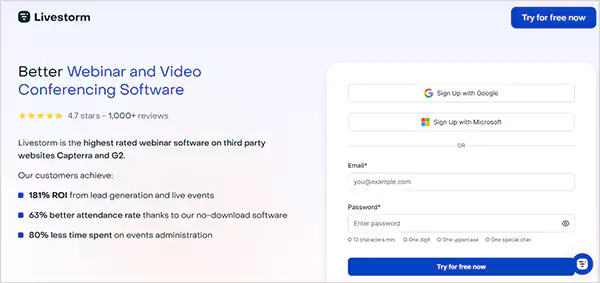
Livestorm is a browser-based platform that is especially designed for hosting robust webinar sessions without any difficulty. Notably, this outstanding tool promises 181% return on investment from significant lead generation and live events.
Additionally, from 1:1 meetings and webinars with hundreds to company-wide seminars, you can host any kind of conference meeting in just a few clicks. Remarkably, the present time spent percentage on event administration through this platform is 80%.
| Pros | Cons |
|
|
| |
| |
|
| Plans | Monthly Pricing Details | Yearly Pricing Details |
| Pro | N/A | $105 |
| Business | N/A | Not Disclosed Publicly (Visit the Official Website) |
| Enterprises | N/A | Not Disclosed Publicly (Visit the Official Website) |
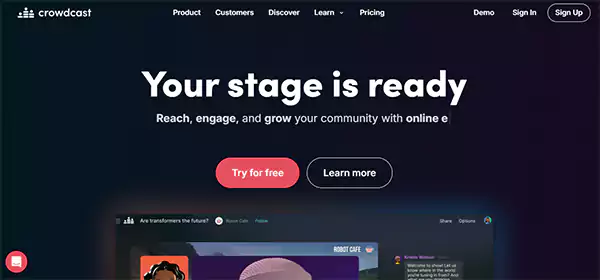
Crowdcast is the most trusted webinar platform, especially for content creators and community builders. It provides a simple yet instructive landing page, allowing hosts and attendees to register in just one click.
Moreover, it helps me to design and timely change my virtual conference stage’s background, logo, and branding procedure according to my content without any difficulty.
So, if you are someone who is looking for an alternative to traditional platforms like YouTube Live or Facebook Live, this tool can be your perfect match.
| Pros | Cons |
|
|
| |
| |
|
| Plans | Monthly Pricing Details | Yearly Pricing Details |
| Lite | $49 | $34 |
| Pro | $89 | $62 |
| Business | $195 | $136 |

Moving ahead, I have tried the Adobe Connect webinar software, and its compelling features left me stunned. By leveraging the advanced built-in tools, this platform not only boosts audience engagement but also improves the overall productivity of the workflow.
Furthermore, it offers free templates for beneficial email marketing and timely reminders to boost the attendees’ time spent percentage. Besides, one of the best parts about this tool that I personally like is that multiple hosts can collaborate and organize a large webinar on the platform without any difficulty.
| Pros | Cons |
|
|
| |
| |
|
| Plans | Monthly Pricing Details | Yearly Pricing Details |
| Lite | $49 | $34 |
| Pro | $89 | $62 |
| Business | $195 | $136 |
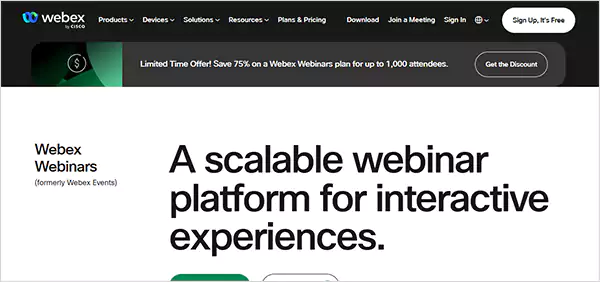
Webex is one of the perfect solutions for large enterprises that often require a platform for virtual conference sessions with thousands of attendees. It delivers a clear video and audio throughout the long meetings.
Also, I can easily switch from calls and file sharing to downloading a shared PDF and chat panel without facing any sort of frozen screen or glitches. Remarkably, I’m amazed that there has been no technical issue during my webinar with a hundred attendees.
| Pros | Cons |
|
|
| |
| |
|
| Plans | Monthly Pricing Details | Annual Pricing Details |
| Webex | Free | Free |
| Webex Starter | $14.50 | $12 (Buy 5 or more and get 6 months free) |
| Webex Business | $25 | $22.50 |
| Webex Enterprises | Not Disclosed Publicly (Visit the Official Website) | Not Disclosed Publicly (Visit the Official Website) |
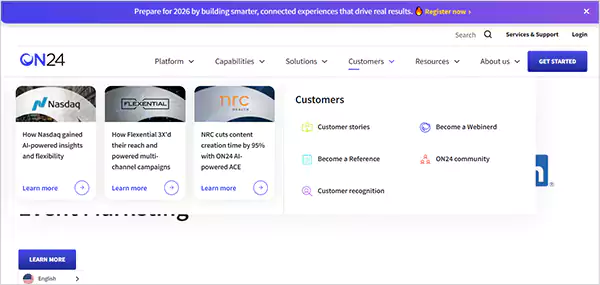
ON24 is one of the compelling tools that not only allows you to host a virtual conference with hundreds of attendees but also helps to foster lead generation. What I’ve found good about this platform is, it delivers on-demand captioning and live global support, making it an ideal choice for organizing international events.
Notably, with the advanced features and result-driven attributes, ON24 has accelerated the revenue of numerous leading businesses in the market. For instance, Gene Lanzoni, vice president of Guardian Life Insurance, states that by leveraging the services of this platform, their revenue has increased by 92%.
| Pros | Cons |
|
|
| |
| |
|
| Pricing Plans |
| ON24 does not disclose its pricing publicly; you need to visit its official website and request pricing details based on your business or requirements. |
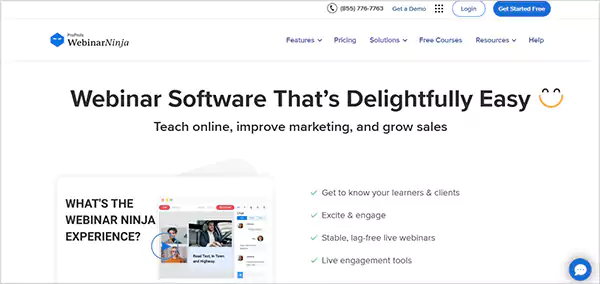
Moving to the next option, I have mentioned WebinarNinja on my list of the best webinar software. Just like its name, this platform is quite promising and beneficial for almost every size of businesses.
It offers both live and deferred (automated) virtual conference options with stable audio and video, even on slow internet connection speeds. Moreover, this tool streamlines the workflow and attendees’ participation with the help of some advanced features like email automation, schedule pools, and the rest.
| Pros | Cons |
|
|
| |
| |
|
| Plans | Monthly Pricing Details | Yearly Pricing Details |
| Trial | Free for 14 days | Free for 14 days |
| Subscription | $0.60 (per attendee) | $0.30 (per attendee) |
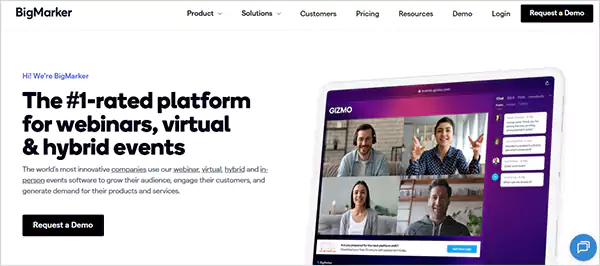
BigMarker is a comprehensive suite that offers numerous beneficial tools to conduct virtual meetings with hundreds of attendees. I like how the setup menu of this platform lets me customize everything, from the landing page and webinars, and email, fostering the overall work efficiency.
Additionally, the tool gives me complete control in my hands, as I can personally choose which options I want to give active attendees. For instance, dial-in, conference calling, Q&A capabilities, and more.
Amazingly, Forbes Advisor has given a 4.2-star rating to this tool, considering its customer service, AI-assistance, features, and pricing.
| Pros | Cons |
|
|
| |
| |
|
| Pricing Plans |
| BigMarker does not disclose its pricing publicly; you need to visit its official website and request pricing details based on your business or requirements. |
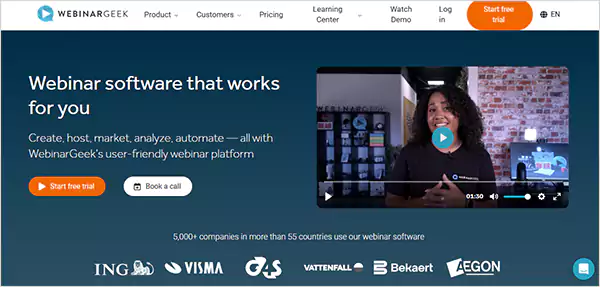
WebinarGeek is an amazing tool that not only helps me create a webinar screen with a hundred attendees in minutes but also delivers HD-quality video and clear audio during the session.
It also supports multiple configurations like slideshow, screen sharing, downloading files, and switching tabs without any technical difficulties. Additionally, I appreciate its analytics dashboard and how it helps me track individual activities, engagement rates, and drop-off points.
| Pros | Cons |
|
|
| |
| |
|
| Plans | Monthly Pricing Details | Yearly Pricing Details |
| Basic | $85 | $65 |
| Premium | $125 | $85 |
| Enterprise | N/A | $349 |
Also Read: 10 Best Word Processing Software in 2025: Advanced Editing and Better Formatting
Here, I have included more options so that you can explore further platforms, compare features, and make an informed decision for yourself.
| S.No | Webinar Software | Pros | Cons | Annually Pricing Details |
| 11. | Demio |
|
|
|
| 12. | eWebinar |
|
|
|
| 13. | Digital Samba |
|
|
|
| 14. | GoTo |
|
|
|
| 15. | WebinarJam |
|
|
|
| 16. | Goldcast |
|
|
|
| 17. | Airmeet |
|
|
|
| 18. | ClickMeeting |
|
|
|
| 19. | YouTube Live |
|
|
|
| 20. | Facebook Live |
|
|
|
That’s it! Here, I wrapped my recommended webinar software. Examine their features, pros, cons, and pricing attentively to pick an appropriate tool for yourself.
Suggested Read: Nonprofit Accounting Software: Consider 15 Options with Great Features and Affordable Pricing!
To opt for an appropriate tool, you must be specific about your requirements and budget, then evaluate features, offerings, accuracy, and more accordingly. Thus, check out the pointers below to comprehend these factors more thoroughly.
In a nutshell, the right webinar software is that which aligns with your requirements, budgets, goals, and technical skills. Always test the tool with a free trial before coming to any conclusion.
Wrapping up! Once hosting virtual events used to feel overwhelming for me, managing so many tools, facing glitches, and low interaction from participants was entirely hectic. However, after thorough research, I found the right platform that not only connects me with thousands of attendees at a time, but also fosters my productivity and business revenue.
Accordingly, the mentioned 20 tools in this blog post can do the same for you. With the help of their AI-powered features and robust assistance, you can grow confidently.
So, what are you waiting for? Shortlist some of them, compare them attentively, and start hosting like an expert!
Next Read: 10 Best Book Writing Software 2025: Tested and Trusted Tools
Ans: It is a tool that helps the host to conduct virtual meetings, presentations, and training sessions with a wide audience in real time. This helps people to connect with the company across the world, increasing overall work productivity.
Ans: Tools like Zoom, Zoho, Wistia, Riverside, and ON are some of the most suitable platforms for learning and teaching purposes.
Ans: There is no such platform that offers this option to its users. However, tools like Zoho and Zoom provide a free tier plan, allowing 100 attendees in a single virtual segment.
Ans: Yes, this tool is an ideal choice for those who are already a part of the Microsoft 365 ecosystem, as it delivers numerous interactive features, easy setup, and strong integration.
Ans: LiveWebinar, BigMarker, Adobe Connect, and Livestorm are some prominent open source platforms trusted by hundreds of businesses.
Sources:
